
Monitor
Local adapters collect memory signals and process activity. Linux build/runtime evidence is available; native macOS and Windows acceptance remains pending.
Features & safety
Observe memory, protect work in progress and review explanations with conservative local rules.
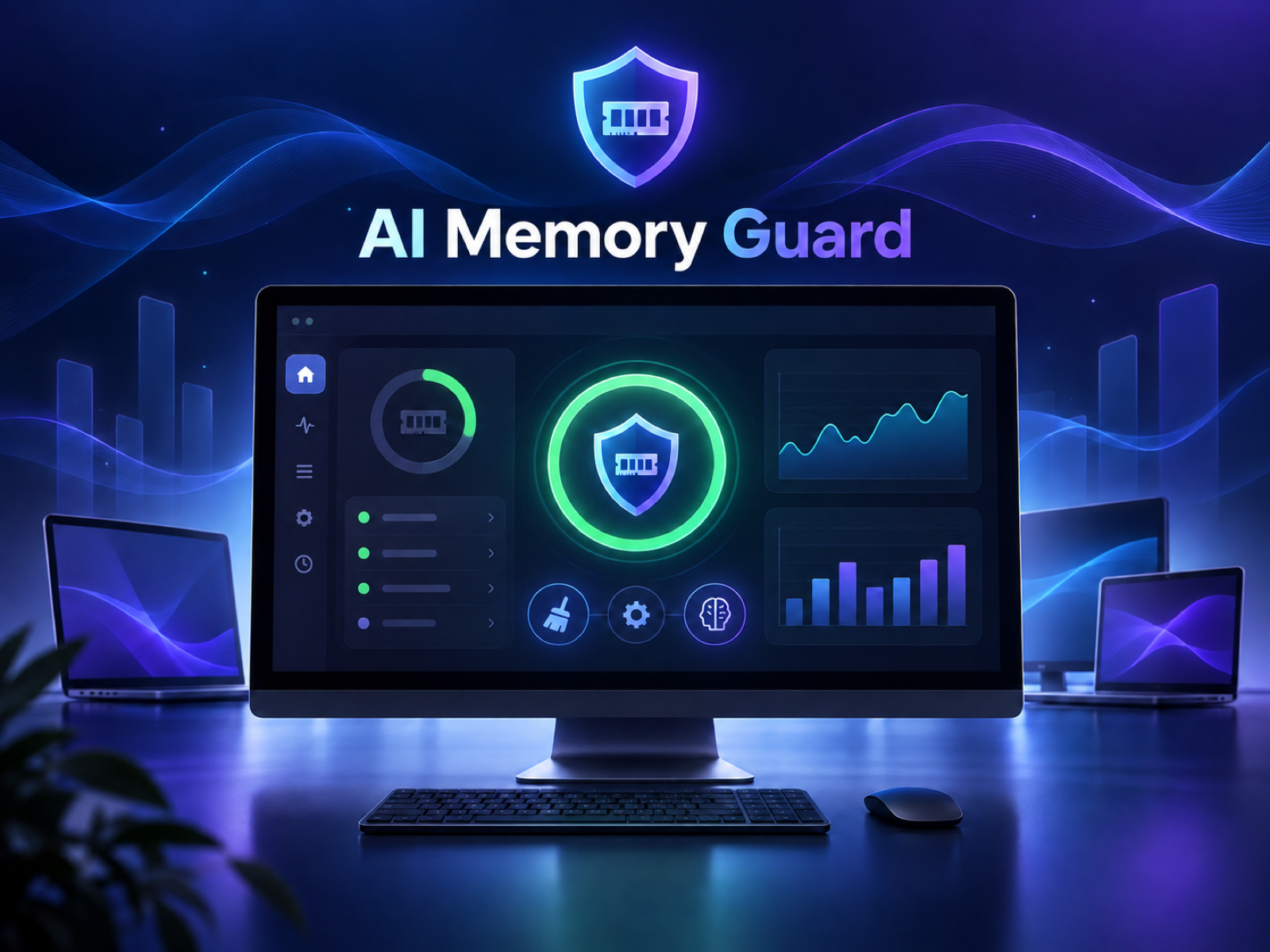 Product concept illustration
Local adapters collect memory signals and process activity. Linux build/runtime evidence is available; native macOS and Windows acceptance remains pending.
Foreground apps, browsers, terminals and development work receive conservative protection. Unknown ownership or activity blocks actions.
Optional consented diagnosis uses aggregate measurements. It returns recommendation categories, never commands or process targets.
How it works together
The adviser does not get permission to execute an action.
Read memory signals
Review consented aggregates
Check identity & protection
Stay informed and in control
Observe
Memory totals, pressure, repeated observations and platform signals help explain a working session.
The desktop shows local observations and a private decision log. Build evidence from a headless server cannot prove every desktop session or foreground adapter. The service connection, not your documents, is used for an optional diagnosis.
Protect
A quiet-looking process may still be saving, compiling or transferring.
Editors, shells, builds and related development tasks are protected conservatively.
There is no generic tab closing. Browser content and activity are not sent to the adviser.
Missing identity, foreground or activity evidence blocks process actions.
Review
An independent local policy owns the safety decision.
Diagnosis is licensed, explicitly consented and isolated per installation/job. The current monitor is advisory; a native trim recommendation is not proof of an available trim or recovered RAM. Automated recovery requires separate disposable-workload evidence.
Read safety & securityExplore the product, read the guides and check release availability.